Series 6 · 23 videos
How-to: One Task at a Time
Short answers to one job each: install, wizard, first ad, placements, shortcodes, AdSense, rotation, targeting, links, Pro packages, payments, analytics and classifieds.
In this series
-
 0:55 01 How to Install and Activate WB Ad Manager
 -
 0:50 02 How to Run the Setup Wizard in WB Ad Manager
 -
 0:52 03 How to Add Your First Image Ad in WB Ad Manager
 -
 0:55 04 How to Choose Ad Placements in WB Ad Manager
 -
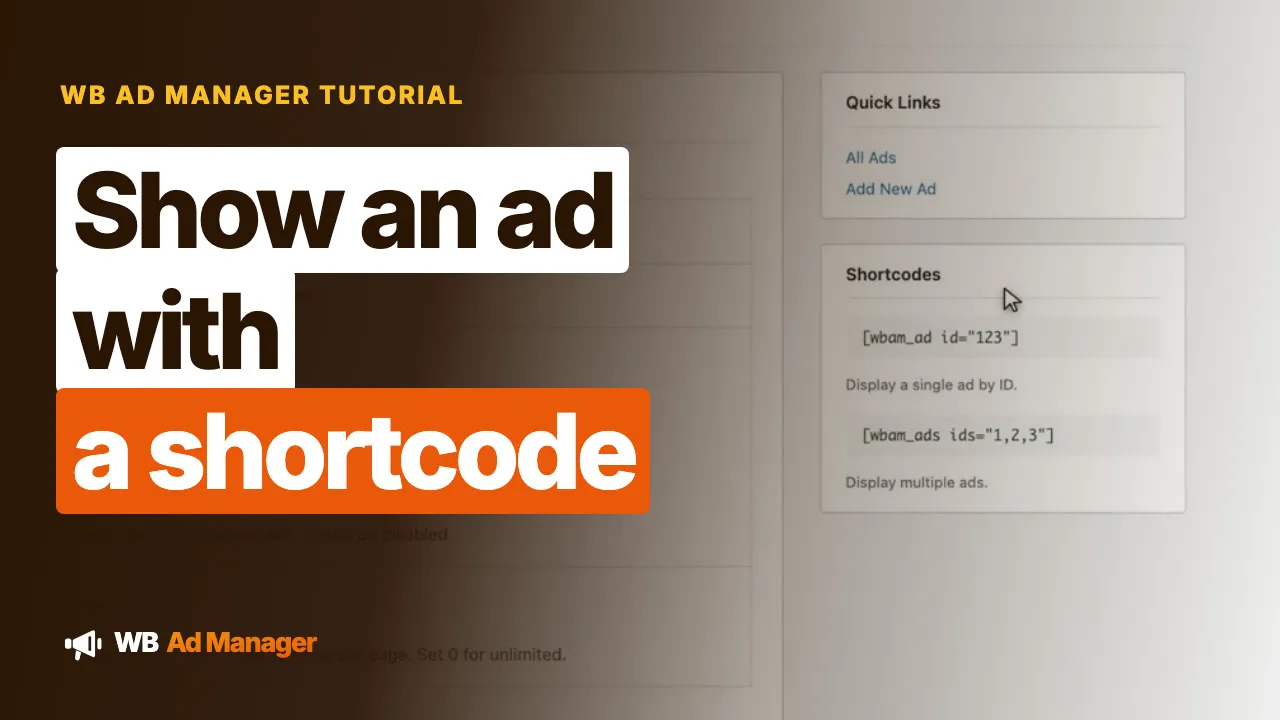 0:51 05 How to Show an Ad with a Shortcode in WB Ad Manager
 -
 0:52 06 How to Add a Google AdSense Ad in WB Ad Manager
 -
 1:27 07 How to Collect Newsletter Sign-Ups from an Ad in WB Ad Manager
 -
 1:18 08 How to Target and Schedule Your Ads in WB Ad Manager
 -
 1:22 09 How to Show Ads in Your Jetonomy Forum in WB Ad Manager
 -
 1:25 10 How to Create Cloaked Affiliate Links in WB Ad Manager
 -
 0:51 11 How to Show Your Links on a Page in WB Ad Manager
 -
 1:01 12 How to Handle Partnership Inquiries in WB Ad Manager
 -
 1:18 13 How to Make Ads Clear and Private in WB Ad Manager
 -
 0:52 14 How to Install WB Ad Manager Pro
 -
 1:02 15 How to Choose Your Site Mode and Modules in WB Ad Manager Pro
 -
 0:54 16 How to Sell Ad Packages in WB Ad Manager Pro
 -
 1:30 17 How to Take Payment Before Ads Run in WB Ad Manager Pro
 -
 1:13 18 How to Approve Advertiser Ads in WB Ad Manager Pro
 -
 1:27 19 How to Sign Up and Submit Your First Ad in WB Ad Manager Pro
 -
 0:54 20 How to Run an Ad Campaign in WB Ad Manager Pro
 -
 1:25 21 How to Earn More from Your Links in WB Ad Manager Pro
 -
 1:02 22 How to Read Ad Analytics and Revenue in WB Ad Manager Pro
 -
 1:03 23 How to Set Up a Classifieds Board in WB Ad Manager Pro